The story of Brick3d and Brickmen — from a failed set generation project to a "mini you" gift anyone can design online.
It started on a weekend trip to Istanbul. I was a civil engineer, my girlfriend Helen was a computer science student, and I was tired of my work existing only as ideas — nothing physical, nothing anyone could hold. I wanted to build something small, but useful.
The idea: turning any 3D model into bricks
At the time I was studying computational geometry and had just learned about voxels — the units used to calculate the volume of 3D objects. I realized the same approach could turn any 3D model into a brick-built version of itself. I already had programming skills, so I built a small website that let anyone upload a 3D model in GLTF format, convert it into a brick set, and download assembly instructions. That first site is where the Brick3d name comes from.
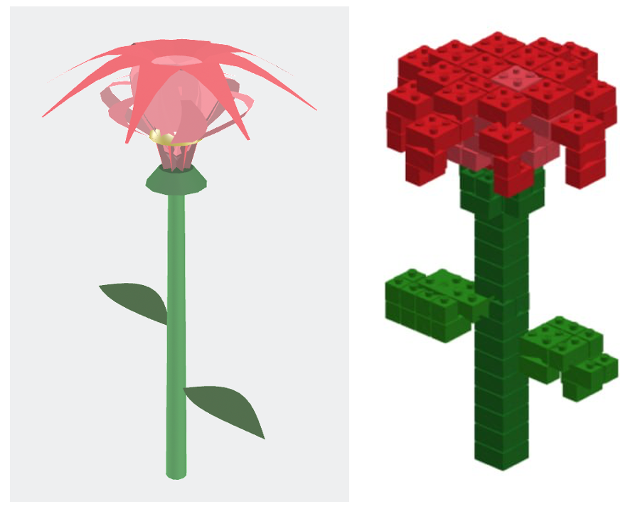
Why our first version failed
It took about three months to build, and a few weeks after launch I realized it didn't work. The generated instructions weren't reliable — I tried assembling one of my own sets and the steps were nearly impossible to follow. I did finish it eventually, but it wasn't something I could put in front of real users.
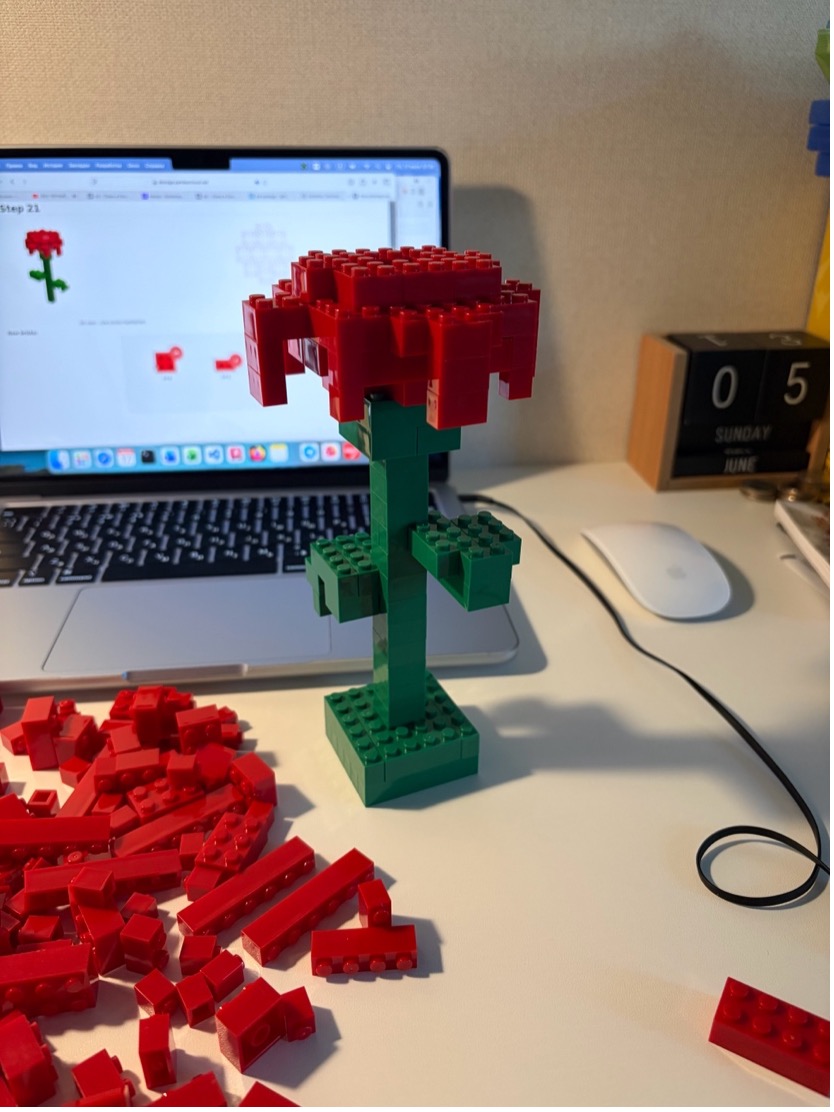
On top of that, I discovered that BrickLink Studio already had this exact functionality, and it worked faster and better than what I'd built. So I went looking for a different problem to solve.
Discovering what people actually wanted: a "mini you"
Helen showed me custom brick figures made by designers from a customer's photo — the kind of thing people buy as a gift for a girlfriend or boyfriend. We realized the real opportunity wasn't converting arbitrary 3D models — it was letting people design their own custom minifigure directly, the way you'd build a character in a video game, with no photo and no waiting on a designer.
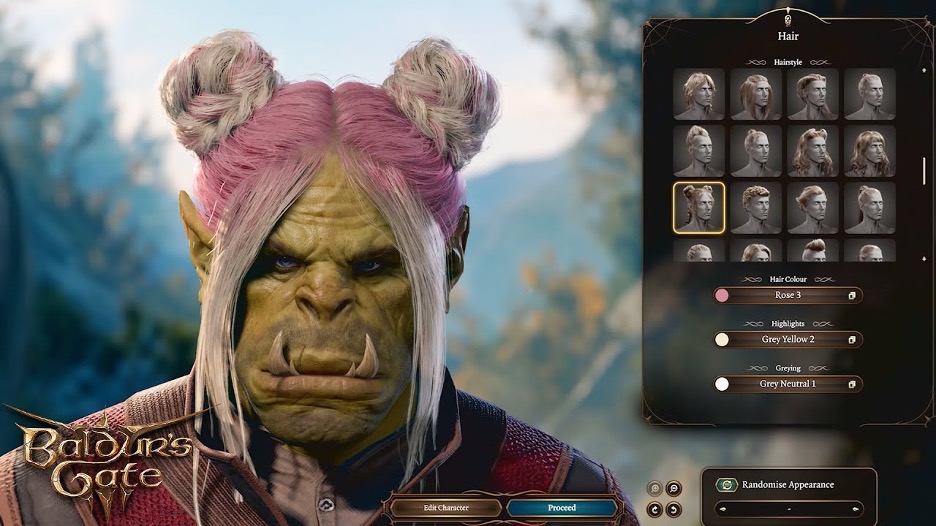
We studied reference photos of these custom figures, reverse-engineered it in BrickLink Studio, and after a few rough attempts landed on something that felt authentic.
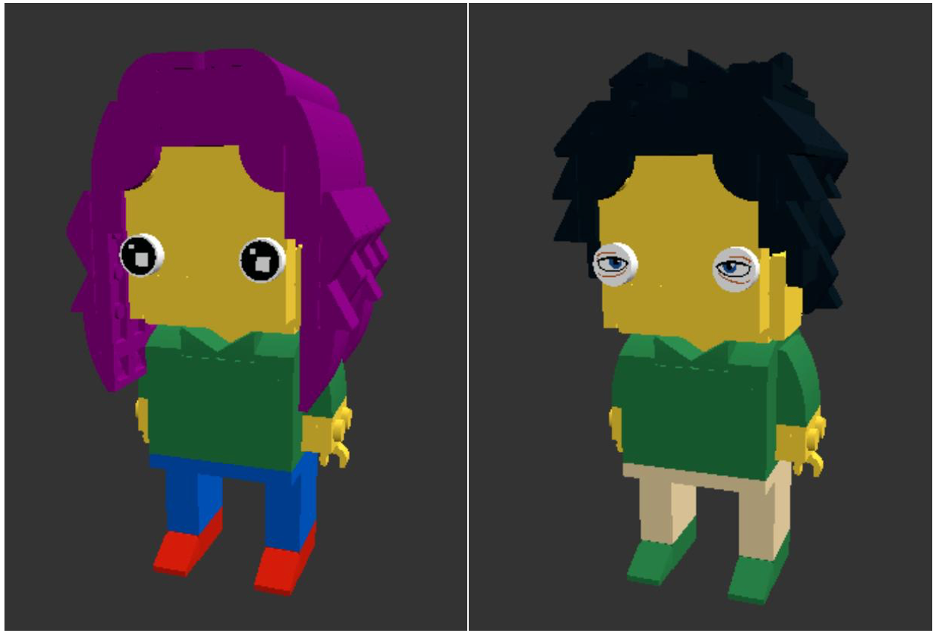
Building the Brickmen configurator
From there, we built out a library of interchangeable elements — hair, hands, eyes, gear — knowing the whole idea depended on giving people enough real choice to make a figure feel like theirs.
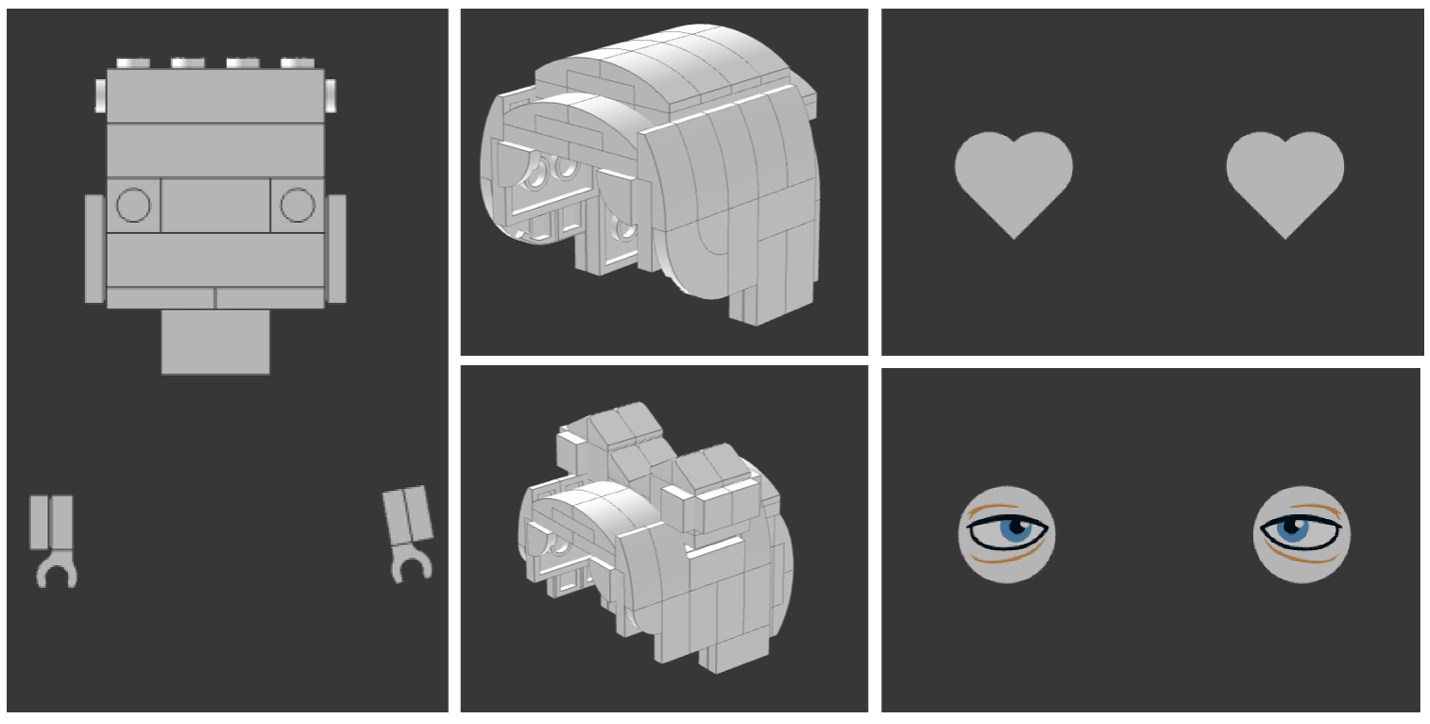
I already had experience with Three.js, so building the actual configurator interface — where you pick a body, hair, and gear piece by piece and see your custom brick figure update in real time — came together quickly.
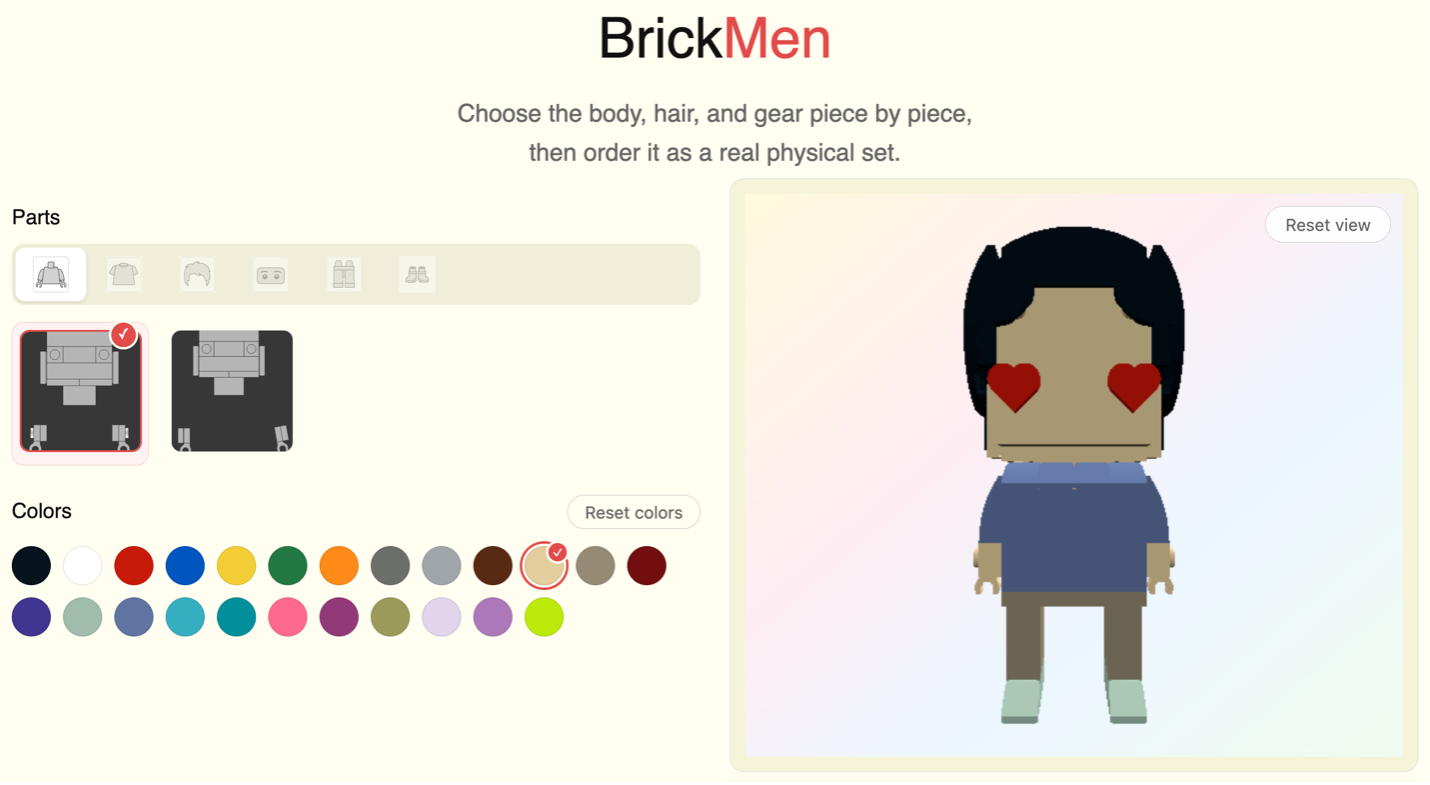
From screen to real bricks
The part that mattered most to us was making the jump from screen to shelf: once you've designed your figure, you fill out a short form and get real, working build instructions — no guesswork, no impossible steps like our first attempt.
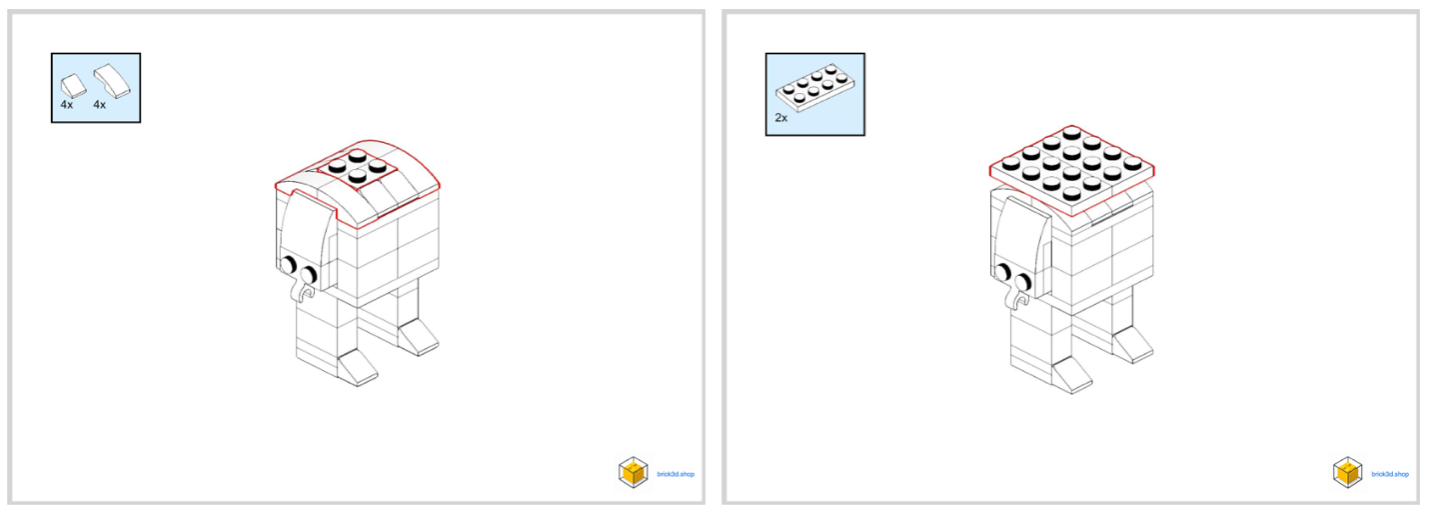
Today, Brickmen lets you design a custom brick figure of yourself, your partner, or a friend in minutes — then order it as a real, physical set. Looking for a gift for a girlfriend, boyfriend, or just want a mini version of yourself?
Try the Brickmen Configurator →Sincerely yours, Henry